Record fields are the data you want to keep for each patient, such as whether they smoke, their marital status or their profession. You can turn on ready-made fields from a list or create your own. Then they appear in the patient’s record and, if you want, you can also ask for them when the patient signs the consent.
In short
Go to the Admin Panel, in the Patients area, and open Record fields. Turn on the ready-made fields you need and, below, create your own with a name and options. Whatever you turn on is shown written in each patient’s record.
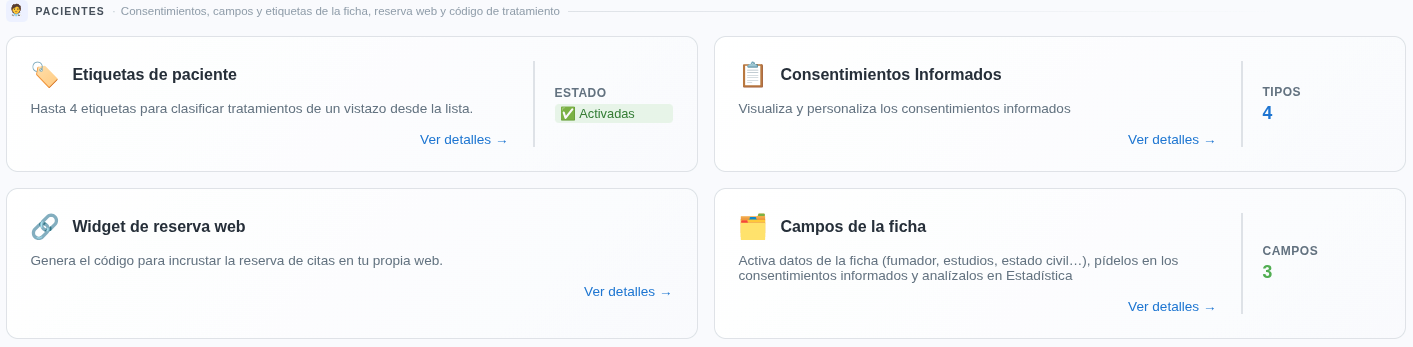
Open Record fields
Go to the Admin Panel, open the Patients area and click Record fields.
Understand what these fields are for
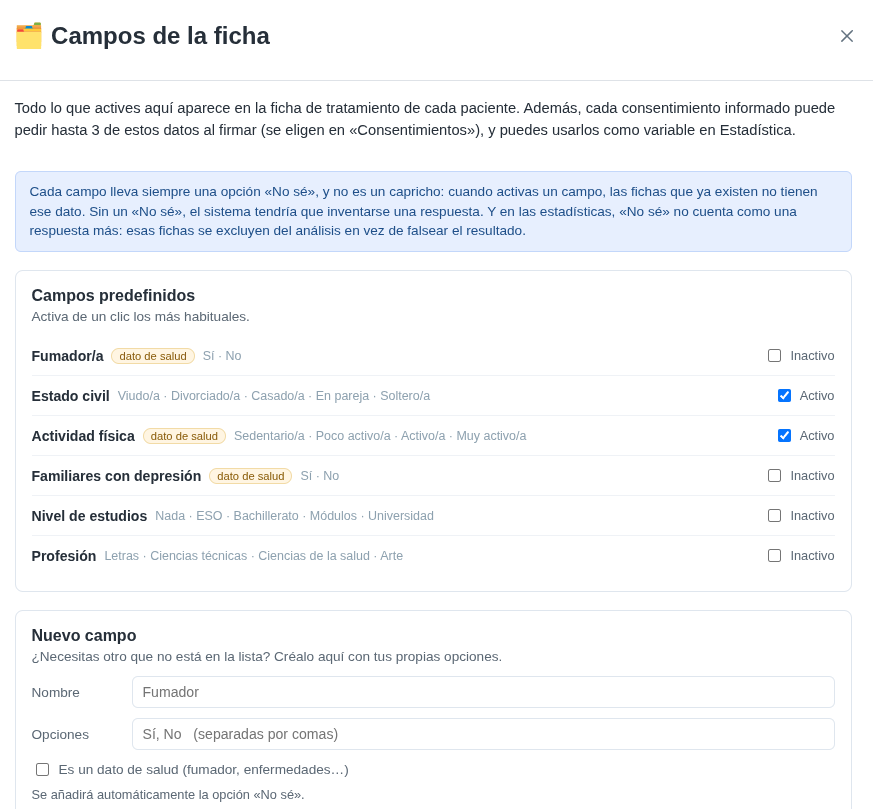
Everything you turn on here appears in each patient’s treatment record. In addition, each consent form can ask for up to 3 of these details when signing, and you can use them as a variable in Statistics.
Every field always has a “Don’t know” option. So if you turn a field on, existing records that don’t have that data don’t get an invented answer: in the statistics, “Don’t know” doesn’t count as an answer, and those records are left out of the analysis.
Turn on the ready-made fields
At the top you have the ready-made fields: Smoker, Marital status, Physical activity, Family members with depression, Education level and Profession. They’re the most common, so you just tick them.
Each one already has its answer options written in. Those marked health data are sensitive data, and are treated as such.
Tick the Active box to show it in the record, or untick it to stop using it.
Create your own field
If you need another piece of data that isn’t on the list, go down to New field:
- Name: what the field will be called, for example “Smoker”.
- Options: the possible answers, separated by commas, for example “Yes, No”.
- It’s health data: tick it if the data is health-related, such as smoking or illnesses.
The “Don’t know” option is added automatically. When it’s ready, click Add.
See how it looks in the record and in the consent
What you’ve turned on or created appears written in each patient’s record. If you also want the patient to fill it in when signing the consent, tick it under Details requested in the consent form. We explain it in the guide Customise your informed consent forms.
Remember
You can ask for up to 3 extra details in each consent form. Think about which details you really need before turning many fields on.