When your patient confirms the booking, they see a summary of the appointment, and you and they each receive an email. This guide explains what each of you sees and receives, whether the appointment is with a pack or a single session.
In short
At the end, the patient sees “Booking confirmed!” with the summary. Under Payment it says With a pack if the appointment uses a pack. You receive an email saying you’ve been booked for an appointment, and the patient receives another one saying their appointment has been booked successfully.
What your patient sees at the end
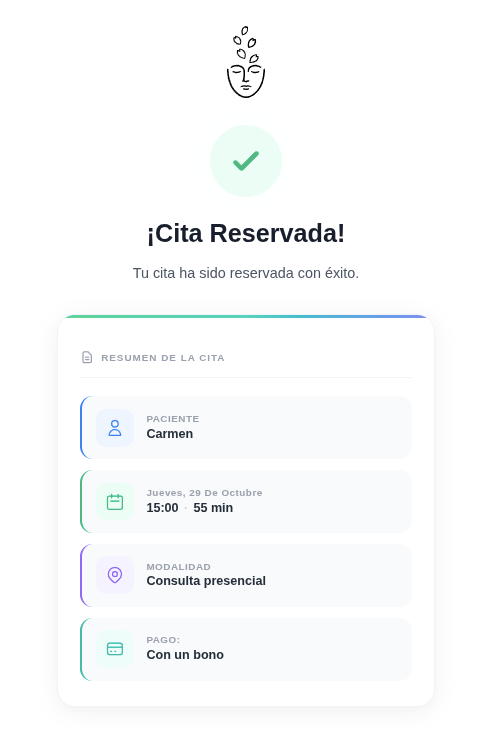
After confirming, the Booking confirmed! screen appears with a summary: patient, day and time, modality and payment.
Under Payment, an appointment with a pack shows With a pack. If the appointment is a single session, it shows the payment for that session.
What you receive
When the patient books from the booking link in their record or from the widget on your website, you receive an email saying you’ve been booked for an appointment.
You don’t have to do anything: the appointment is already in your calendar with their details.
What your patient receives
Your patient receives another email saying their appointment has been booked successfully. It’s the confirmation email they get after booking.
How you see whether it's a pack
In your calendar, when you open the appointment, you’ll see whether it uses a pack or is a single session. If it uses a pack, you’ll see the pack and how many sessions are left. We explain this in the guide Assign packs to your patients.