After months of invoicing, the hard part is finding what you need. On Invoices there’s a filter bar at the top to see only what’s pending, prepare a quarter or locate a specific invoice. And each PDF downloads with its invoice code as its name.
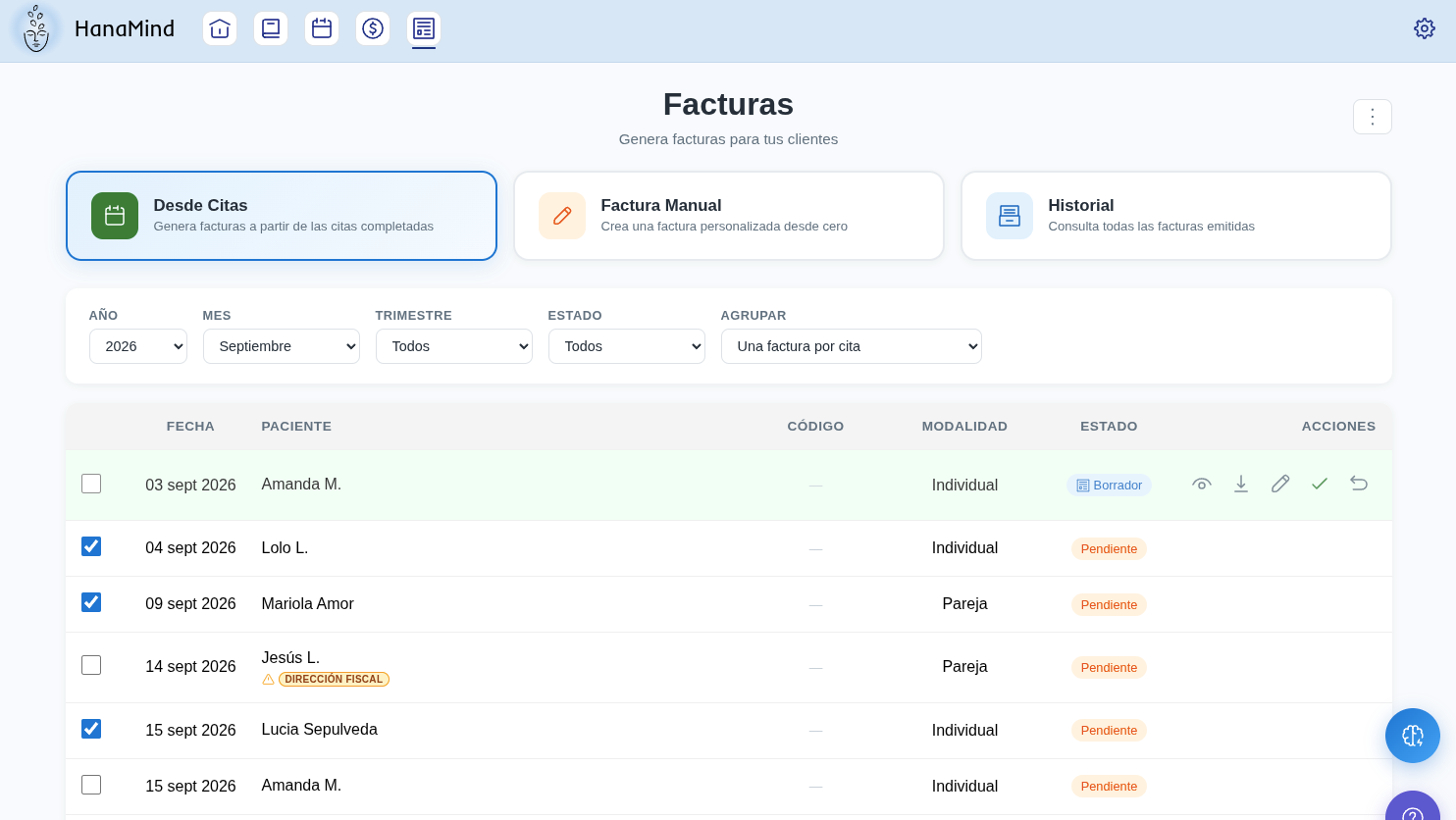
In short
Combine year, month or quarter, status and group to see exactly what you need. And save the PDFs on your computer: their name is already the invoice code.
Choose the year
In the filter bar, pick the year you want to work with.
Choose a month or a quarter
Select a month or a quarter. The two options are mutually exclusive: picking one disables the other. To see a whole year, leave the quarter on All and go through the months.
Filter by status
The Status filter lets you see:
- the pending ones (not yet final invoices),
- the issued ones,
- or all.
Group the list as you need
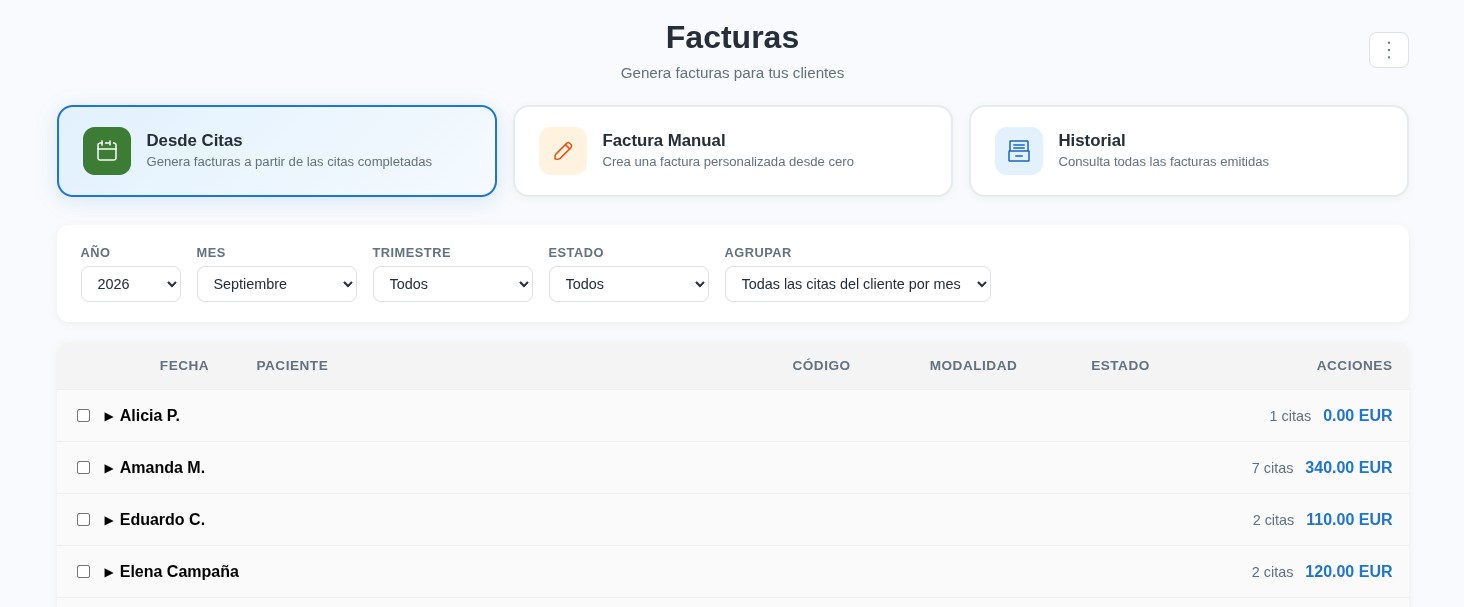
The Group filter changes how the list is shown:
- One invoice per appointment (default): one row per appointment, with its date, patient, code, modality and status.
- All the patient’s appointments by month: one row per patient, with the number of appointments for the month and the total in euros. Press the arrow ► to see their appointments.
Download the PDF and save it
Each downloaded PDF carries the invoice code as its file name. You can save it on your computer, search for it by that code or send it by email without renaming it.
For the quarter with your accountant
Filter by the quarter and issued to have everything already invoiced at hand, and by pending to see what still needs to be issued. To issue in a batch, see the guide Generate and download invoices in batches.