If something doesn’t work the way you expect, there’s no need to look for an email. HanaMind has a help panel where you can tell us about the issue with a screenshot. And if you want to talk with other therapists or vote on upcoming improvements, there’s the Discord community.
In short
The help panel is at the bottom right on a computer or tablet, and inside the settings wheel on mobile. The Discord community is in the settings wheel.
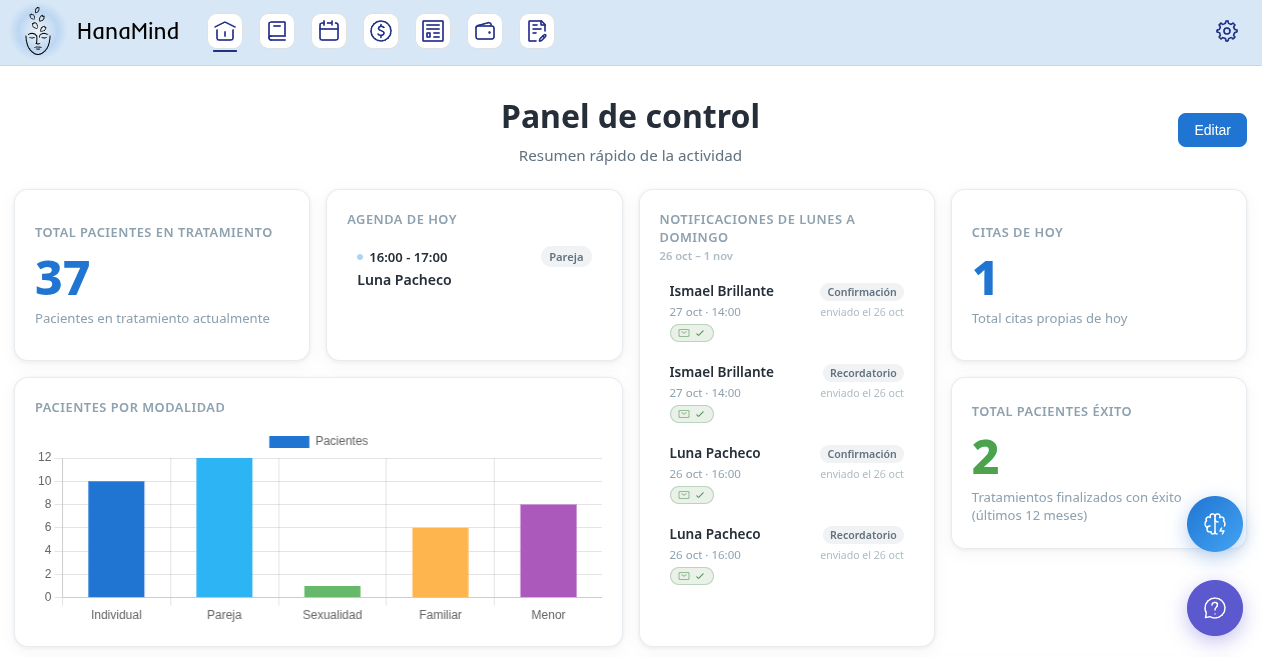
Open the help panel
On a computer or tablet, press the help button at the bottom right of the screen (the purple circle with a question mark). On mobile, open the settings wheel (top right) and go to the help panel.
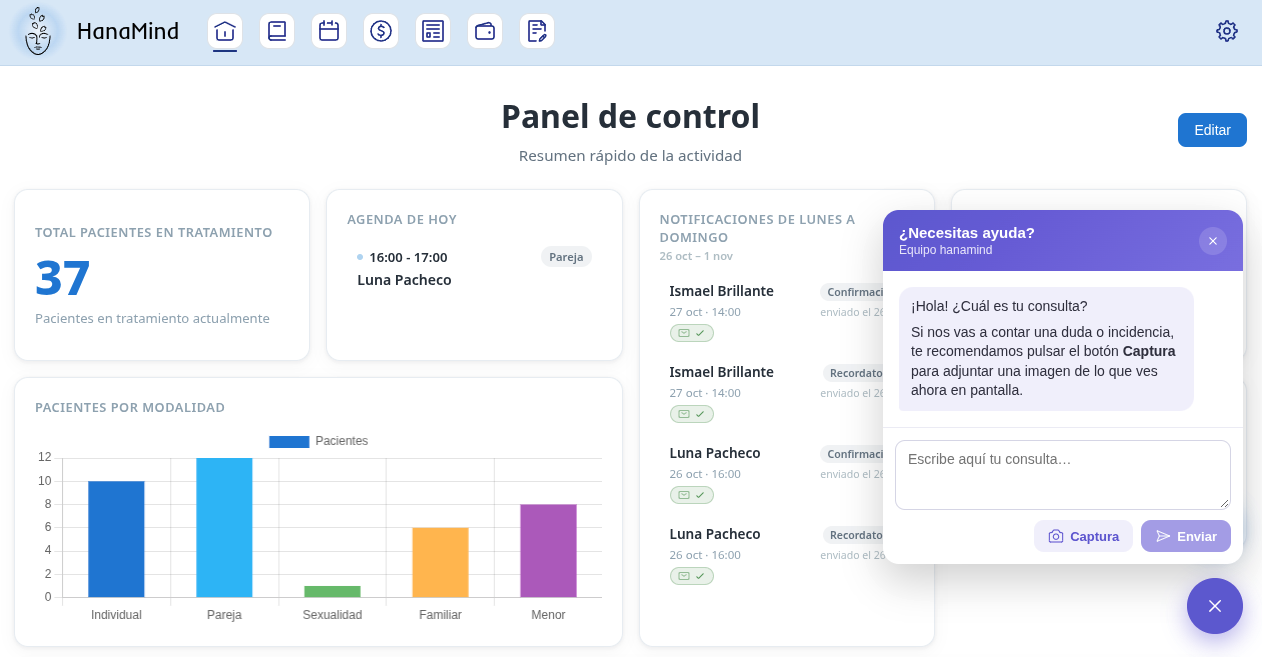
Write your question and attach a screenshot
Write what you see and, if you like, press Screenshot to attach an image of the screen. A screenshot helps us understand the issue. Then press Send.
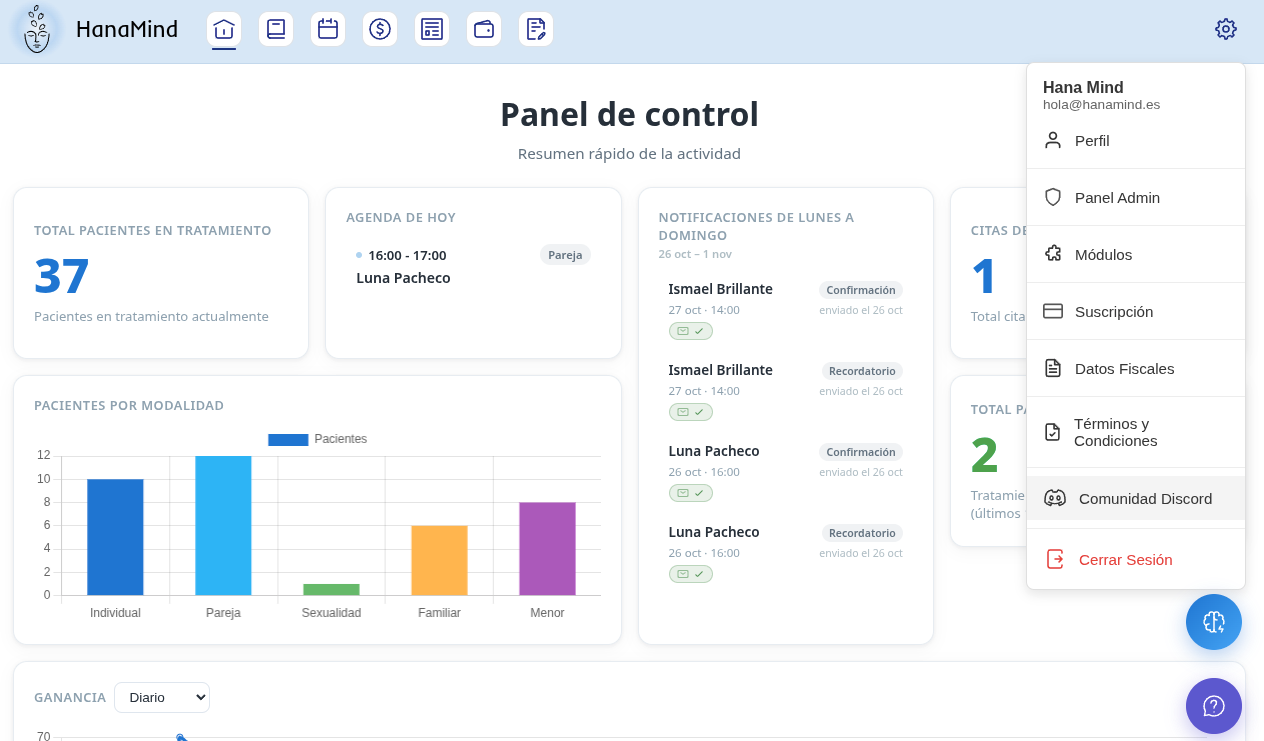
Join the Discord community
Open the settings wheel (top right) and press Discord Community. Sign in with your Discord account.
Vote and ask
Inside the community you can vote on proposals and ask questions to other users and the team.
Something urgent?
For any issue that isn’t resolved, you can also write to hola@hanamind.es.