In the Records section you see the list of your patients' records (treatments). From here you can register a patient without needing to have booked an appointment. You'll have two paths: with a consent form (the patient fills it in and signs) or without a consent form (you create an empty record to fill in later).
Open the Records section
Go to the Records section. You'll see the list of treatments with their code, name, surname, status, reason and number of sessions.
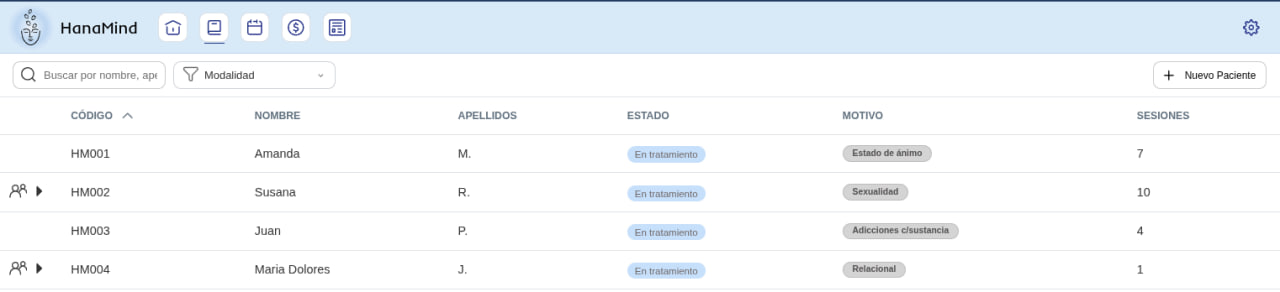
Click New Patient and choose the type
Click the New Patient button (top right). The New treatment type window opens: select the type (Individual, Online, Couple, Family…). From here you choose how to create the record.
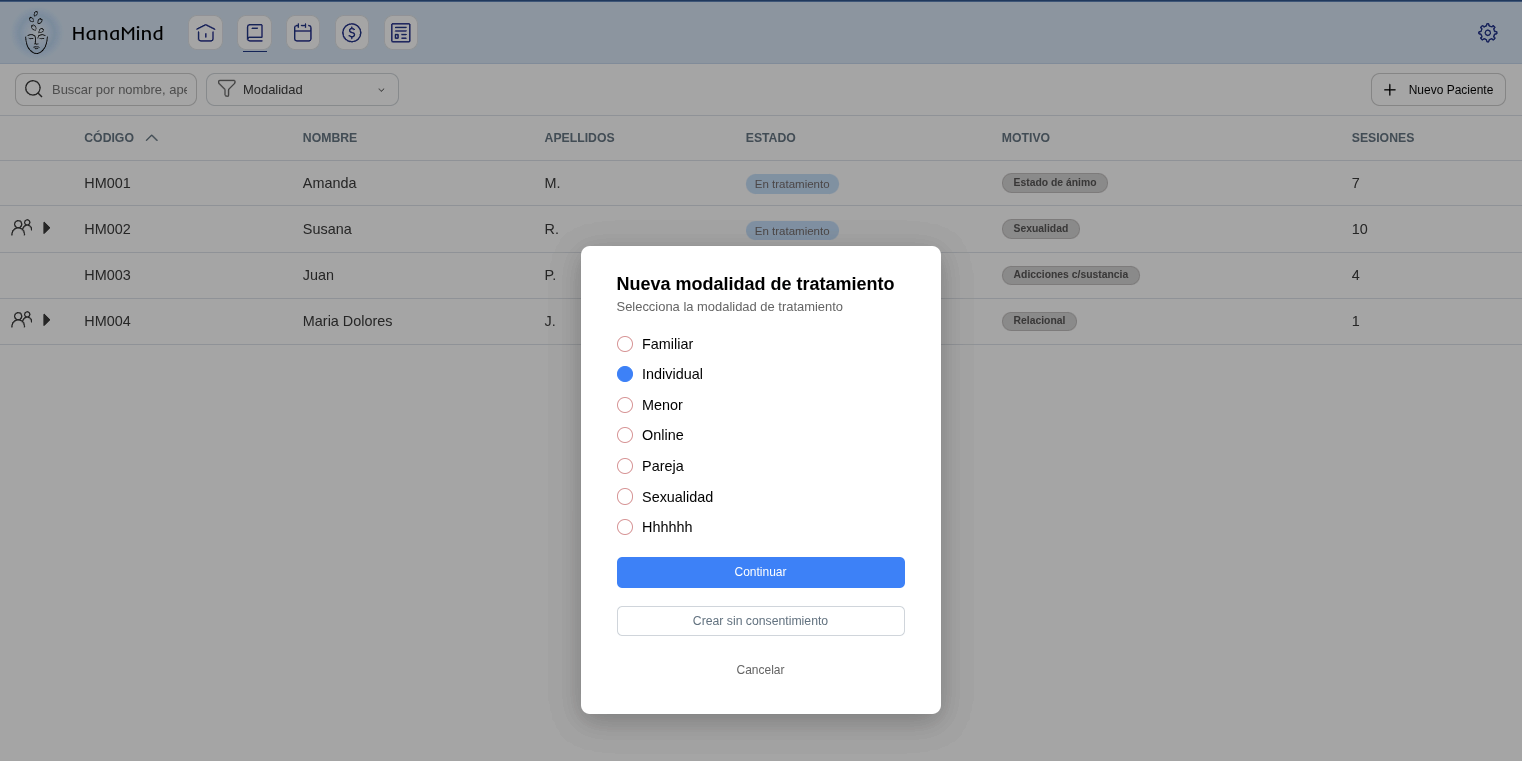
Option A: with a consent form
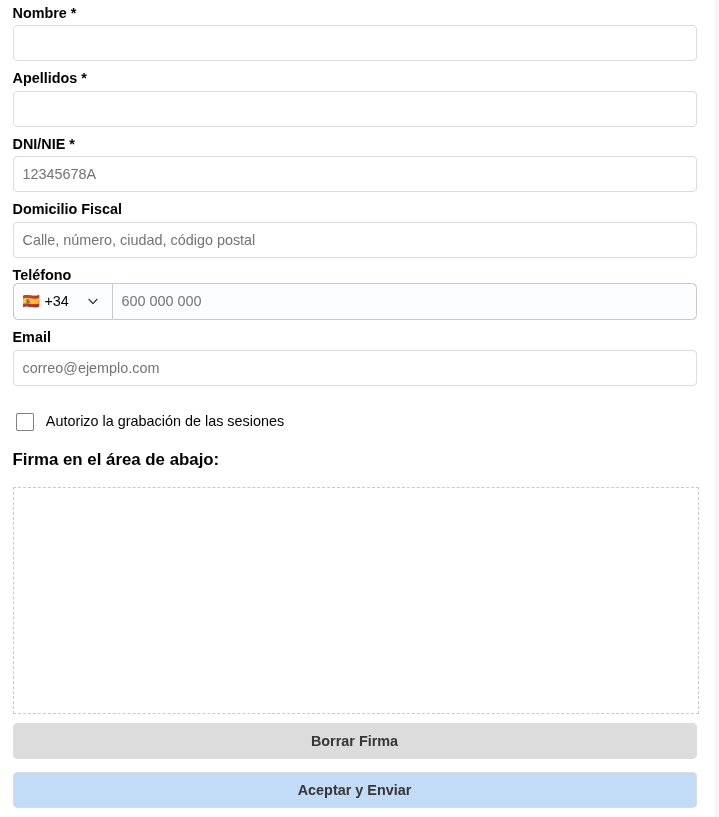
Click Continue. The informed consent form opens for the patient to fill in: name, surname, ID number, tax address, phone, email, the authorization to record sessions and their signature.
When they click Accept and Send, their complete record is created with all that data and opens right away.
Option B: without a consent form
Click Create without consent. You only need to enter the name and surname and an empty record is created: no ID, no address, no phone or email.
It's useful to fill in specific record details before the first appointment. Later, from the record itself, you can send the consent form to the patient to complete the rest of their data.
The other way to create a record
If you've already booked their first appointment, you can generate their record from the calendar. We explain it in the Create a record from the calendar guide.